Property managers
From preparing the meeting to finalising the minutes.
Your work starts long before the room opens and continues after everyone leaves. vecinOS connects preparation, questions, participation and draft minutes so your team can focus on explaining, reviewing and looking after each community.
Professional judgement and personal service stay with your team.

What your practice gains back
More capacity to manage. Less scattered work.
A proposal in an email, a question over the phone and a resolution in old minutes. Gathering that context is work too. vecinOS connects it to each agenda item so your team’s expertise reaches owners clearly.
Entrance renovation and access ramp
- 2 documents
- 4 languages
- 3 questions, 2 answered
The process
Before, during and after the meeting.
The same agenda item, from your practice to the minutes. Every stage keeps your review and professional judgement.
1BEFORE THE MEETING
Arrive with questions already worked through.
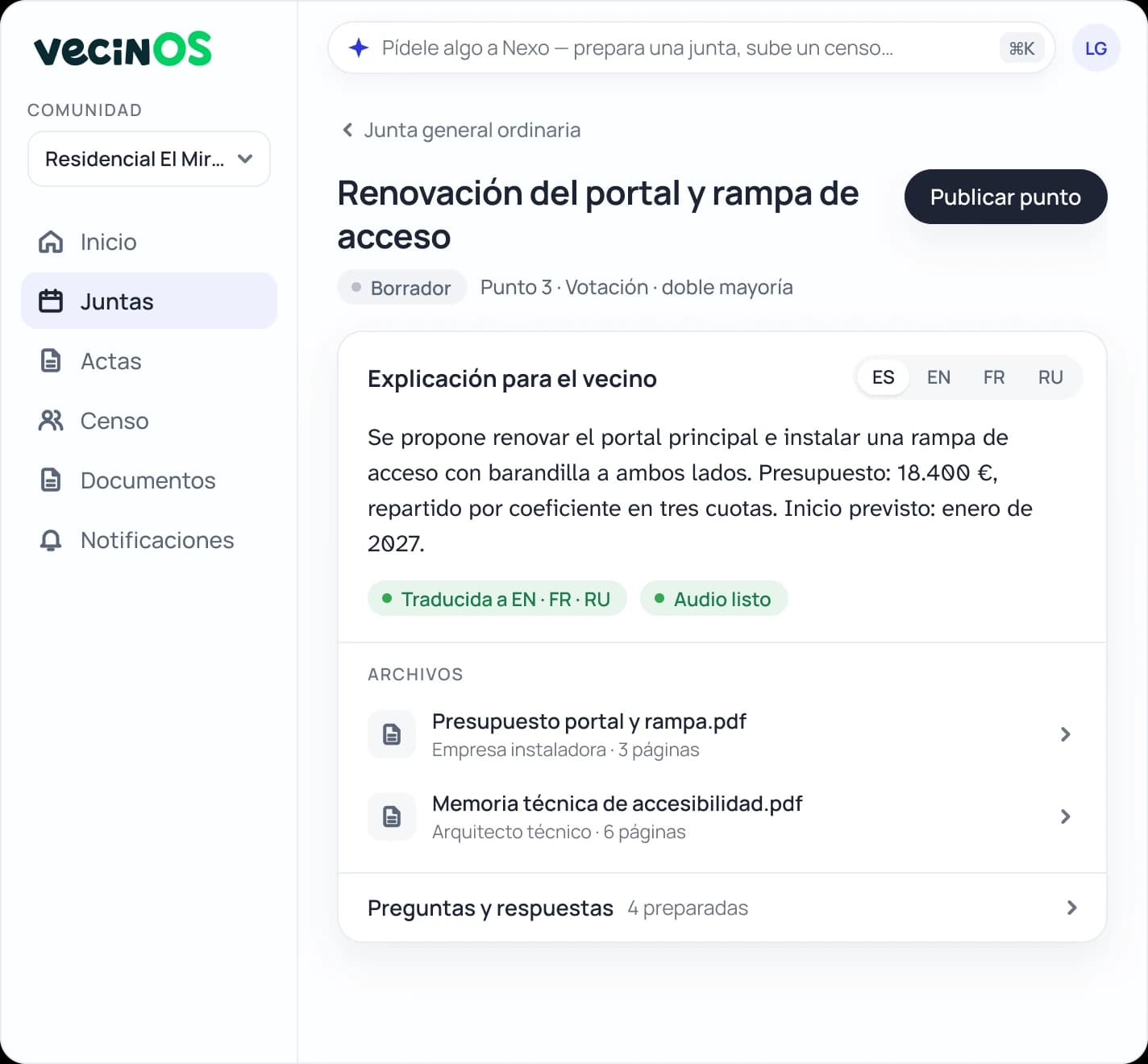
Bring the proposal and its documents together under each item. Owners read it in their language, ask questions and can vote before the session. Questions requiring your judgement reach your practice.
In the pilot, 24 questions answered before the meeting.
2IN THE ROOM
Organise participation and the vote count.
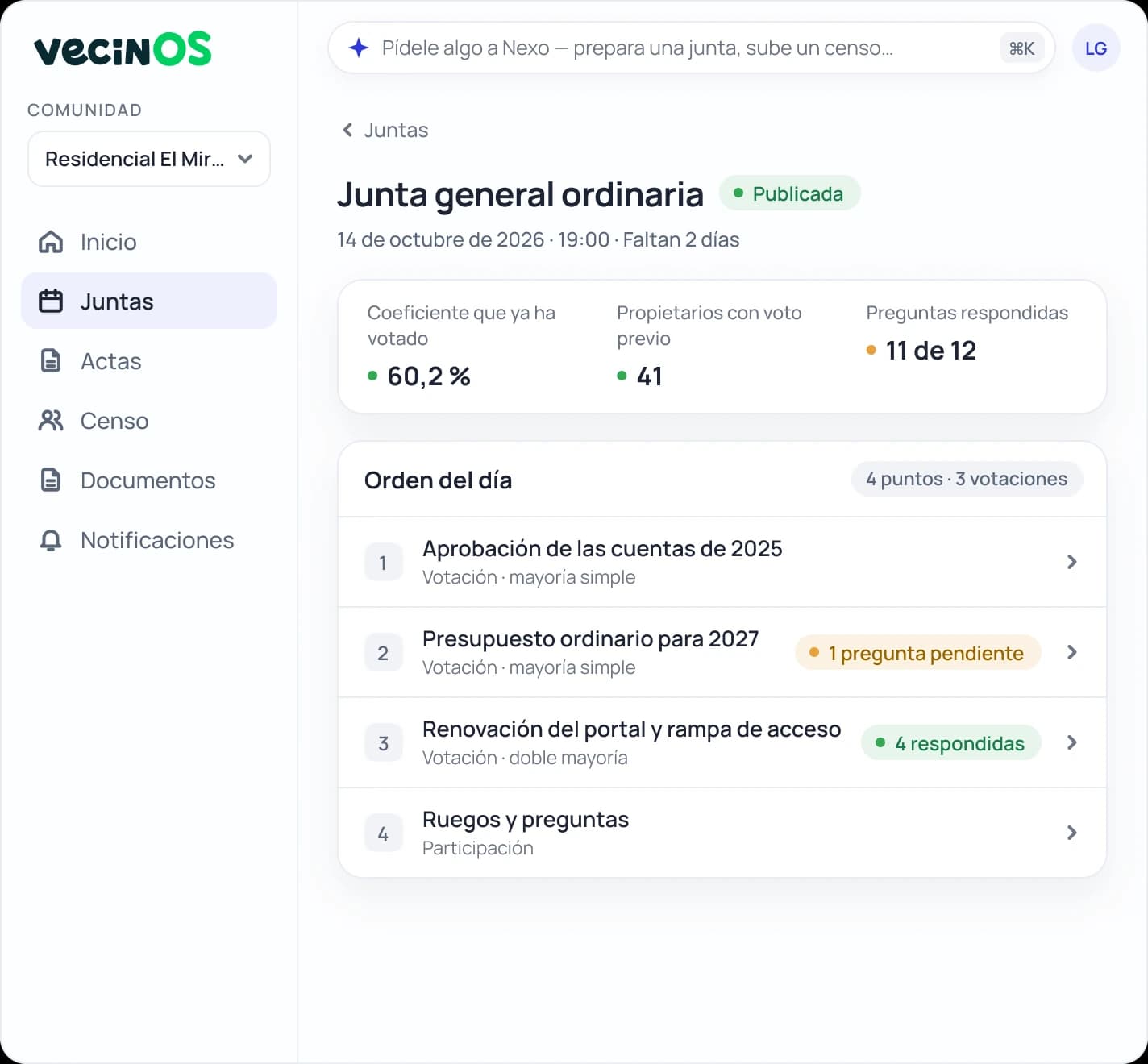
Record attendance and follow the count by owners and ownership shares. When the room opens, you can already see participation in advance and questions for each item.
In the pilot, 60.2 % of ownership shares had already voted when the room opened.
3AFTERWARDS
Start with a draft to write the minutes.
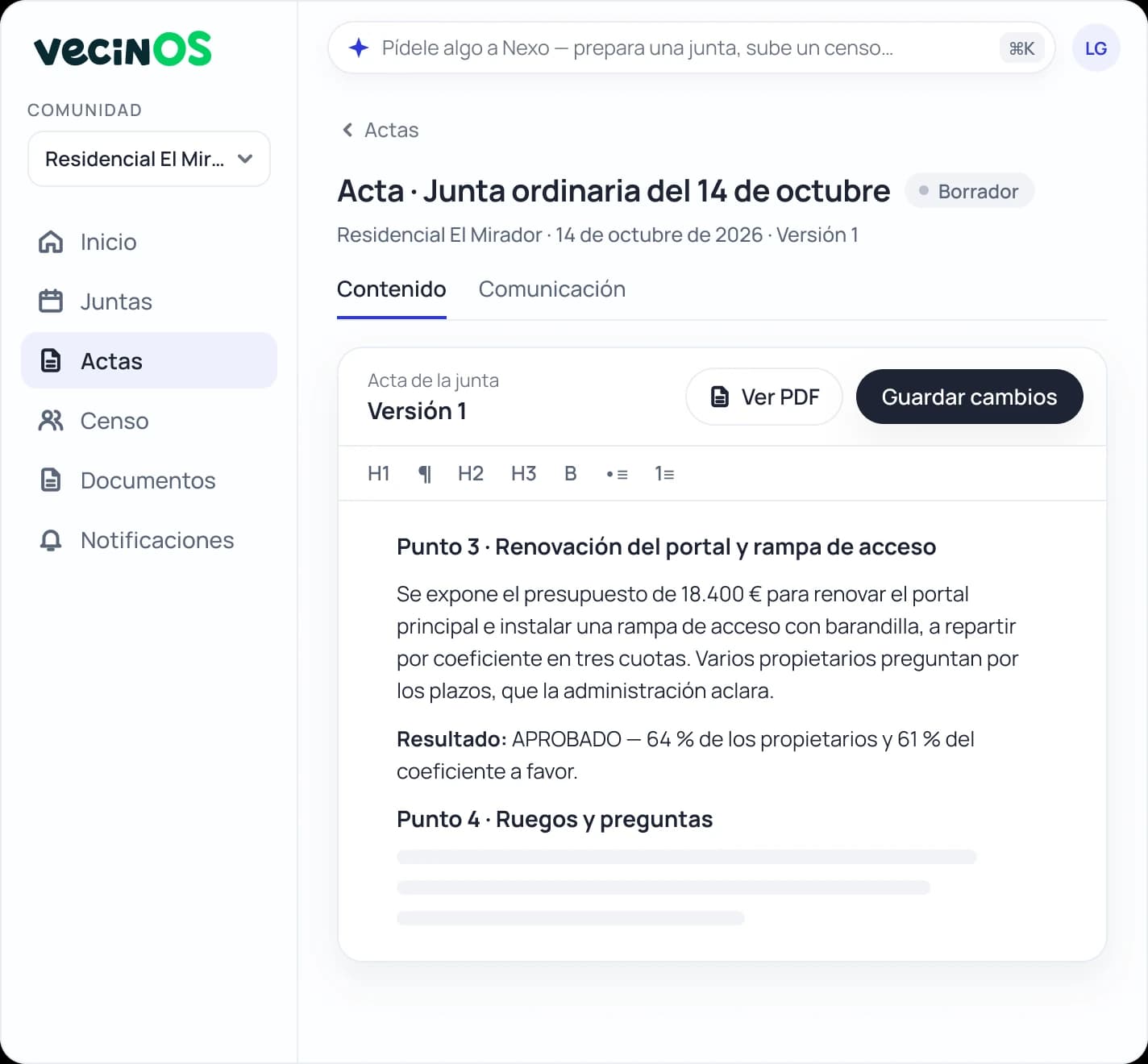
The outcome is recorded and draft minutes are ready for your review. Final wording, corrections and signature remain yours.
The software prepares; your team reviews what is recorded.
Your community’s memory
An answer starts with finding the resolution.
When a question comes up again, retrieve the community’s meetings and minutes, according to each role’s permissions, and answer with a specific reference. Information is not lost in emails or dependent on anyone’s memory.
FOR EXAMPLE
“What did we agree about using the pool?”
Ordinary meeting minutes · Item 6
Pool rules · Resolution approvedView the wording of the resolution, the vote result and its supporting documents.
View the resolutionLet’s explore it together
Let’s use a meeting from your practice.
Tell us how you prepare agenda items and review the minutes. We’ll walk through a real meeting to see where we can help your team.
- 01Tell us about your community and your role.
- 02We choose a meeting or a specific agenda item.
- 03We go through it together: proposal, questions, participation and minutes.
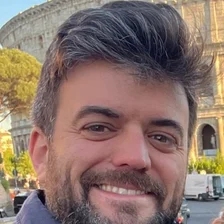 Álvaro Velasco will welcome youFounder of vecinOS · Around 30 minutes by video call · No commitment · In Spanish or English